AutoCAD OwnerGuard12.9.1
Publisher Description
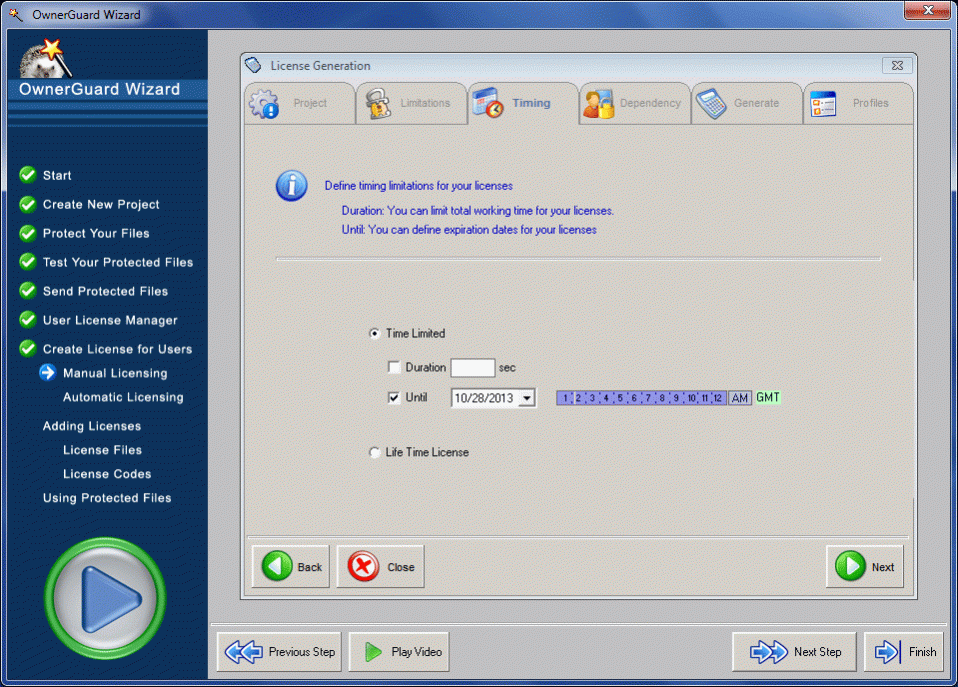
AutoCAD OwnerGuard provides a real Security, Protection, Distribution Management, Publishing, Watermarking, Licensing and DRM solution for Autodesk AutoCAD Drawings (DWG). This product is made specially for internal company drawing security and publishers. AutoCAD OwnerGuard Locks your DWG Drawings to individual users, computer or USB drives. AutoCAD OwnerGuard Defines High Security Expiration Date or Working Duration for your drm protected AutoCAD Drawings. AutoCAD OwnerGuard Controls and applies all required limitations on illegal redistributions, illegal transfers, printing(including limitation on total number of printed pages), screen capture, save, copy, expiration date and working time for your users. AutoCAD OwnerGuard Minimizes your users DRM hassles by letting them access your DRM protected dwg drawings offline. With AutoCAD OwnerGuard you can distribute and sell your secured/protected drawings easily while you've got full control over them. Using AutoCAD OwnerGuard you can Gain full control over your sensitive drawings security, protection, usage limitations, distribution and digital rights management. AutoCAD OwnerGuard will bring the maximum protection an ease of use to you and your users.
About AutoCAD OwnerGuard
This CAD program is available in English. It was last updated on 29 September, 2026. AutoCAD OwnerGuard is compatible with the following operating systems: Other, Windows.
The company that develops AutoCAD OwnerGuard is Armjisoft DRM Systems. The latest version released by its developer is 12.9.1. This version was rated by 6 users of our site and has an average rating of 3.7.
The download we have available for AutoCAD OwnerGuard has a file size of 5.2 MB. Just click the green Download button above to start the downloading process. The program is listed on our website since 2016-02-19 and was downloaded 844 times. We have already checked if the download link is safe, however for your own protection we recommend that you scan the downloaded software with your antivirus. Your antivirus may detect the AutoCAD OwnerGuard as malware if the download link is broken.
How to install AutoCAD OwnerGuard on your Windows device:
- Click on the Download button on our website. This will start the download from the website of the developer.
- Once the AutoCAD OwnerGuard is downloaded click on it to start the setup process (assuming you are on a desktop computer).
- When the installation is finished you should be able to see and run the program.
